From pose to print.
Capture a sequence and turn it into a strip, postcard or boomerang. Give each design the colors and logo of your event.
- Image and text templates
- Automatic printing with AirPrint
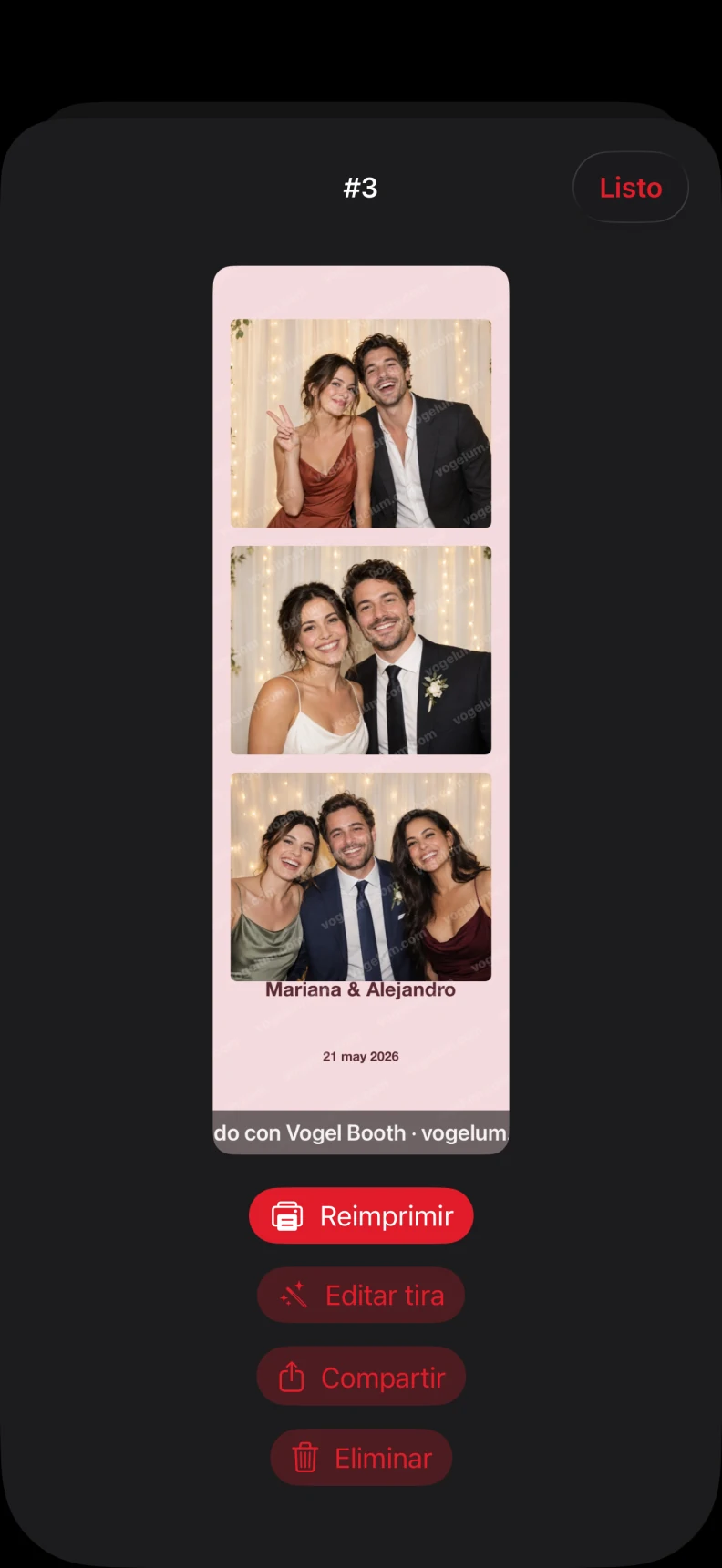
Photo booth and 360 studio for iPhone and iPad
Four poses for a strip, a spin on the platform or a message for tomorrow. Set your iPhone or iPad on the booth and let the guests take over.
Android · Google Play Coming soon

Inside the app
Capture a sequence and turn it into a strip, postcard or boomerang. Give each design the colors and logo of your event.
Record on your 360 platform, choose a cut of music and play with slow motion and reverse to make the final clip.
Open a clip from your device to compare speeds. The video plays in your browser.
This browser could not play the file. Try a compatible MP4.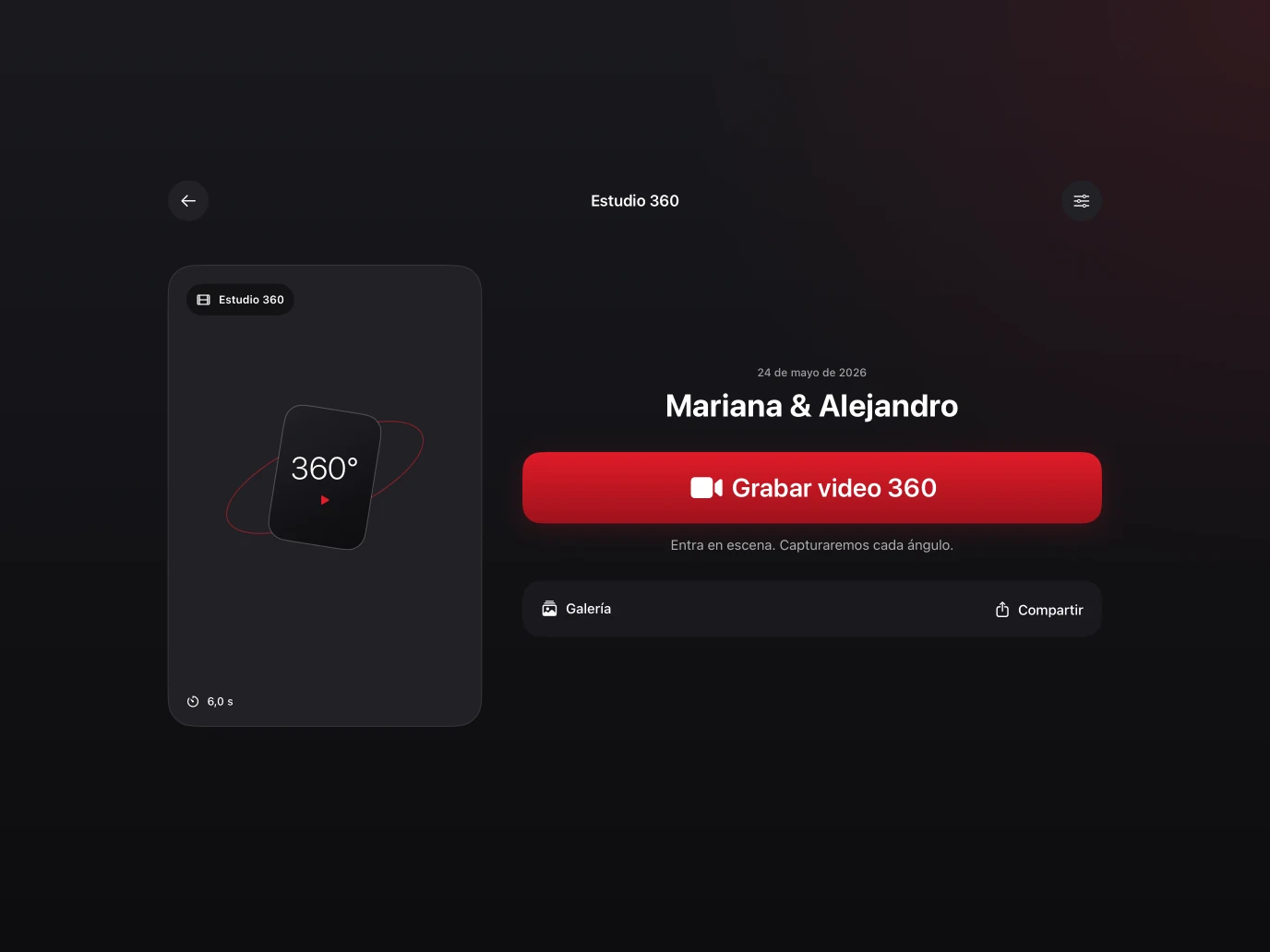
Collect the photos in a digital album with a cover. Share it by QR on the event network or export it to deliver later.
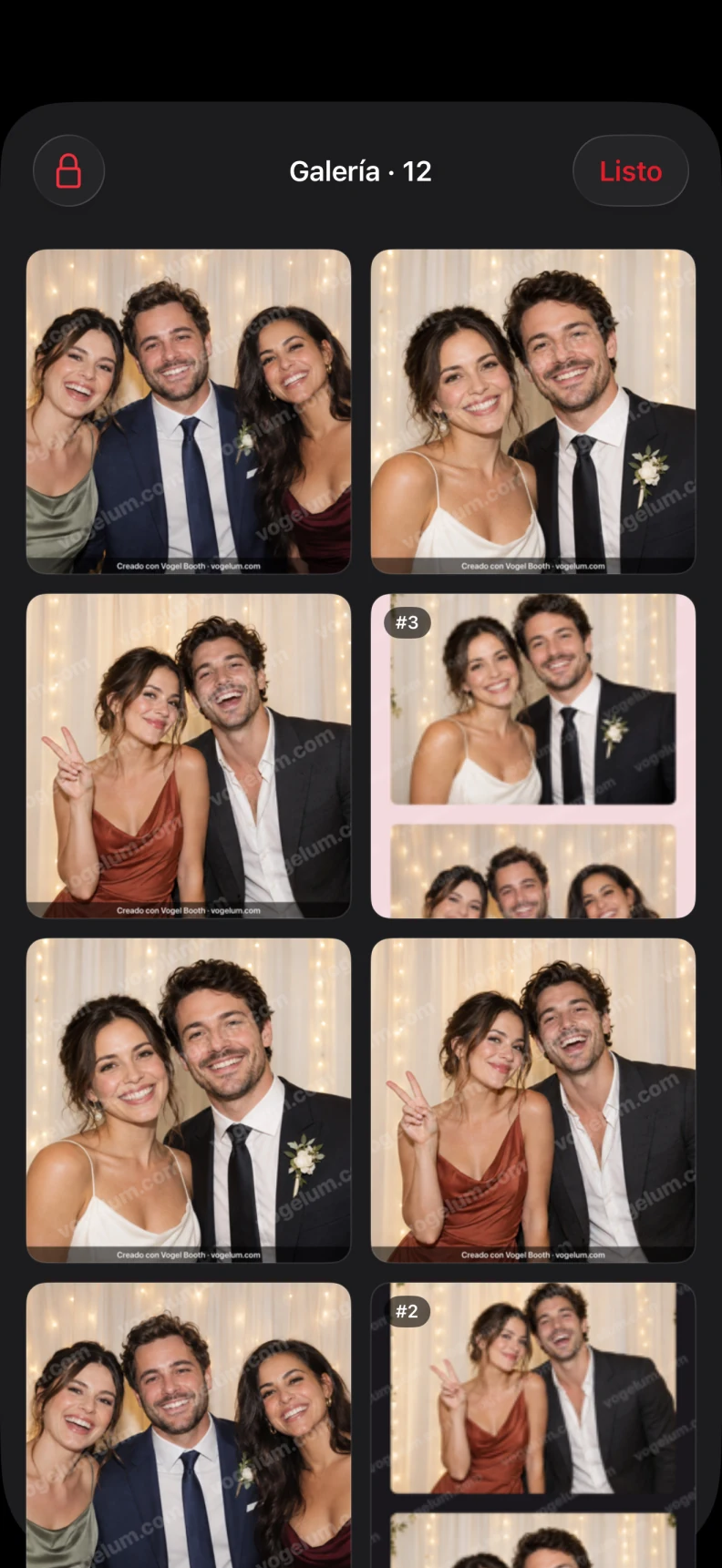
Design table
Try a paper from the VogelBooth library, add your event name and see it on the print. Choose up to four photos from your device. Smaller selections repeat.
Sample design
On the other side of the camera
Arrange four photos in two identical columns on 4 × 6 inch postcard paper. Cut the sheet down the middle and each guest can keep a copy.
Try the twin stripA prompt for the video guestbook
«What do you remember about the day we met?»
Set your iPhone or iPad on a quiet table and open the video guestbook. A short question gives each guest a place to start.
Sample album
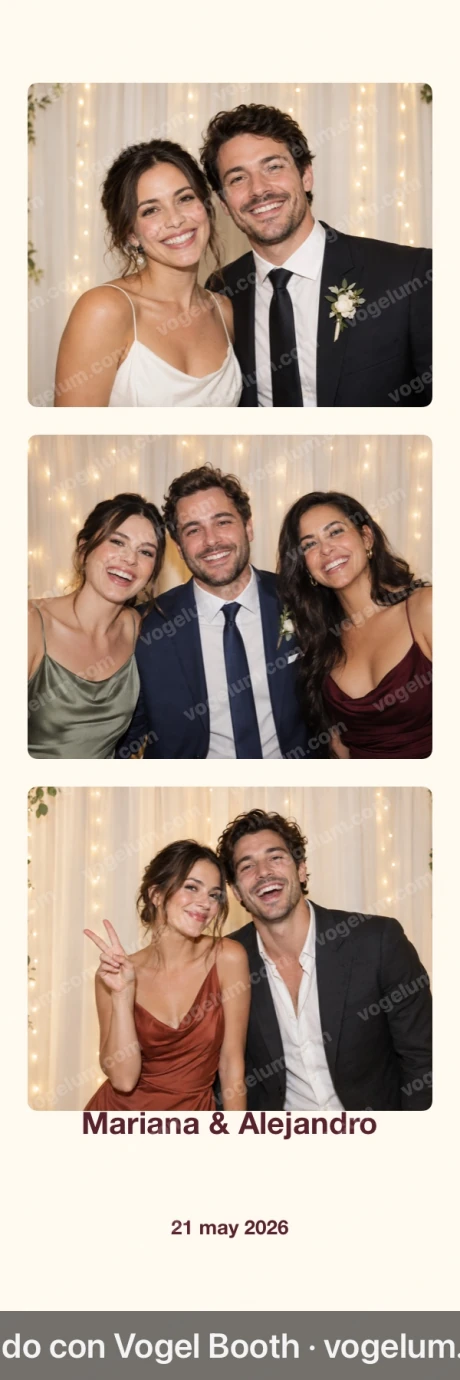
Open Mariana and Alejandro’s album. Turn the pages and tap the strip to view or download the individual photos. This is how an album exported from VogelBooth looks.
Browse the album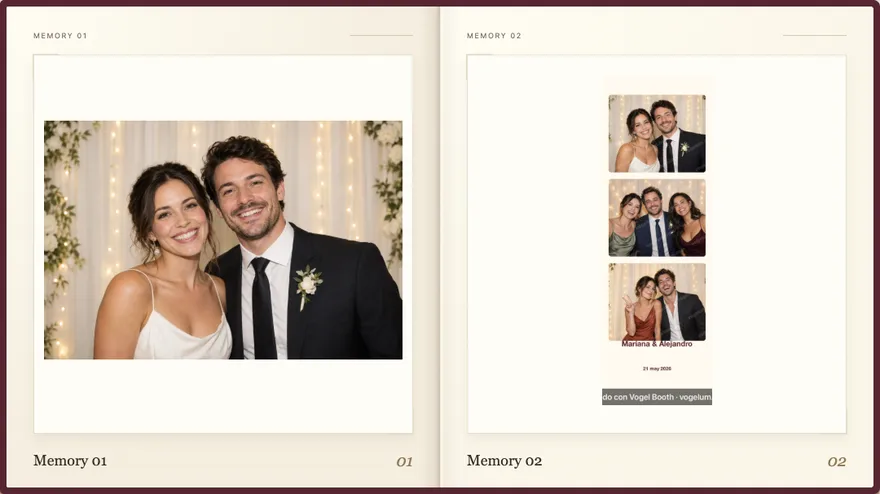
Comparison
A guide to different kinds of tools. Each provider’s features may vary by plan.
| What you need | Classic photo booth | Dedicated 360 app | VogelBooth |
|---|---|---|---|
| Main capture | Photo sequences | Clips on a rotating platform | Photos, boomerangs and 360 video |
| Customization | Frames and strips | Music and video effects | Photo and video templates, text and music |
| Typical delivery | Printed or digital strip | Shareable video | Prints, local QR album and export |
Plans
Mexican App Store prices in Mexican pesos.
0 MXN
Try the booth with a watermark.
Download free$599 MXN / month
One week free if eligible.
View on the App Store$4,599 MXN / year
Two weeks free if eligible.
Save MXN $2,589 compared with twelve monthly payments.
View on the App StorePro removes the watermark and unlocks operator settings. Apple confirms the price before purchase. One introductory offer per subscription group. At the end of the trial you’re charged for the plan, which renews automatically until canceled.
An iPhone or iPad running iOS or iPadOS 17 or later. You’ll need a 360 platform for a physical spin. The photo booth works without a printer.
Connect the booth and the guest’s phone to the same Wi-Fi network. Keep VogelBooth open and the device awake while guests download photos or the album.
Yes. Connect an AirPrint-compatible printer to the same network, select the paper, adjust alignment and make a test print before enabling automatic printing.